Shopify webinar

From Stocky to Shopify: A practical inventory management walkthrough

Missed it live? Watch the full walkthrough on demand. See Shopify’s inventory management in action across admin and POS, get migration tips, and hear answers to the most common questions.
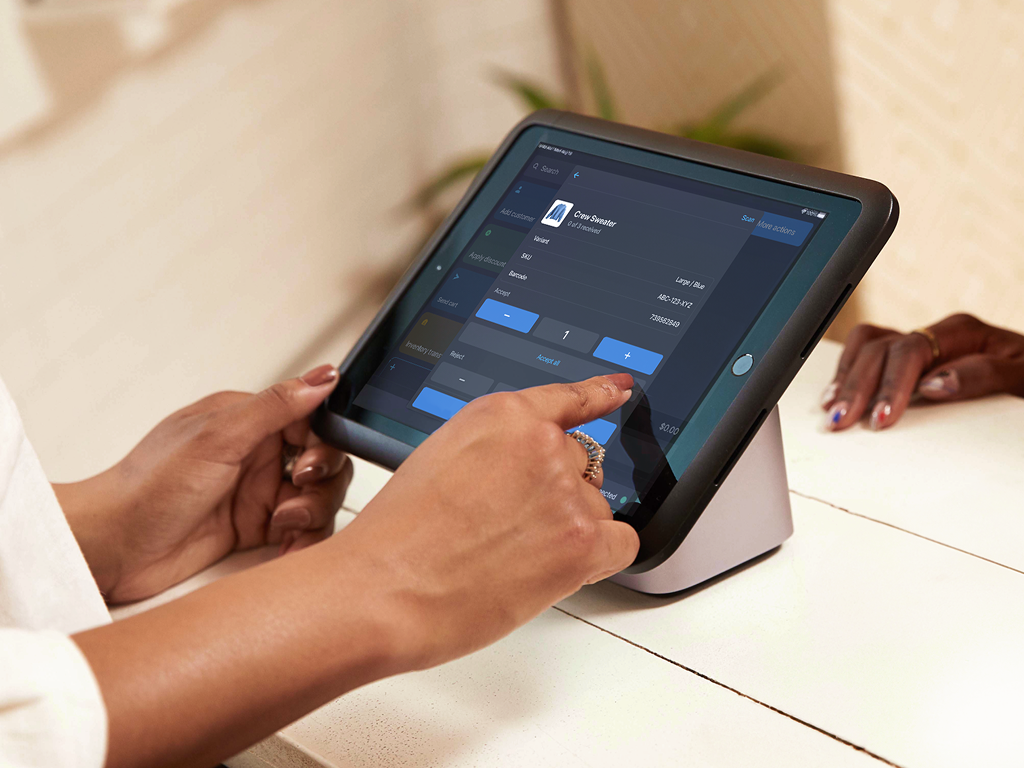
A merchant receives inventory for a blue sweater on the POS terminal’s screen at the retail counter.

What we’ll cover

Managing inventory in Shopify: what to know before you migrate

See how inventory management works in Shopify today, across admin and POS. Get answers to common migration questions and the best practices to move from Stocky with confidence.

Admin and POS

Manage inventory across admin and POS

Learn how to handle stock adjustments, transfers between locations, and purchase orders in Shopify admin. See how staff can then receive, send, and adjust inventory from POS, keeping in-store and online counts in sync.

Reporting and Sidekick

Turn inventory data into decisions

Learn how to use built-in, custom reports to see what's selling, what's slow, and what to reorder. Discover how Sidekick can automate routine workflows and surface insights for you.

Migrating from Stocky

Finish your migration before sunset

With Stocky sunsetting soon, learn the steps to migrate now. Get answers to common questions and best practices to complete your move on time.

Speakers

Meet your experts

Mike Averto’s headshot

Shopify

Mike Averto

Senior Staff Product Manager
Eric Wichman’s headshot

Shopify

Eric Wichman

Senior Staff Product Manager

Shopify Webinar

Register to learn how to manage inventory in Shopify before Stocky sunsets

See how inventory management works in Shopify today, across admin and POS. We'll answer common migration questions and share best practices to help you move from Stocky with confidence. Register now to save your spot and receive the recording.